Room Organizer
A vibrant and engaging web application designed to help you efficiently manage and organize your room inventory. Built with React, TypeScript, and Vite for optimal inventory management.
Room Organizer
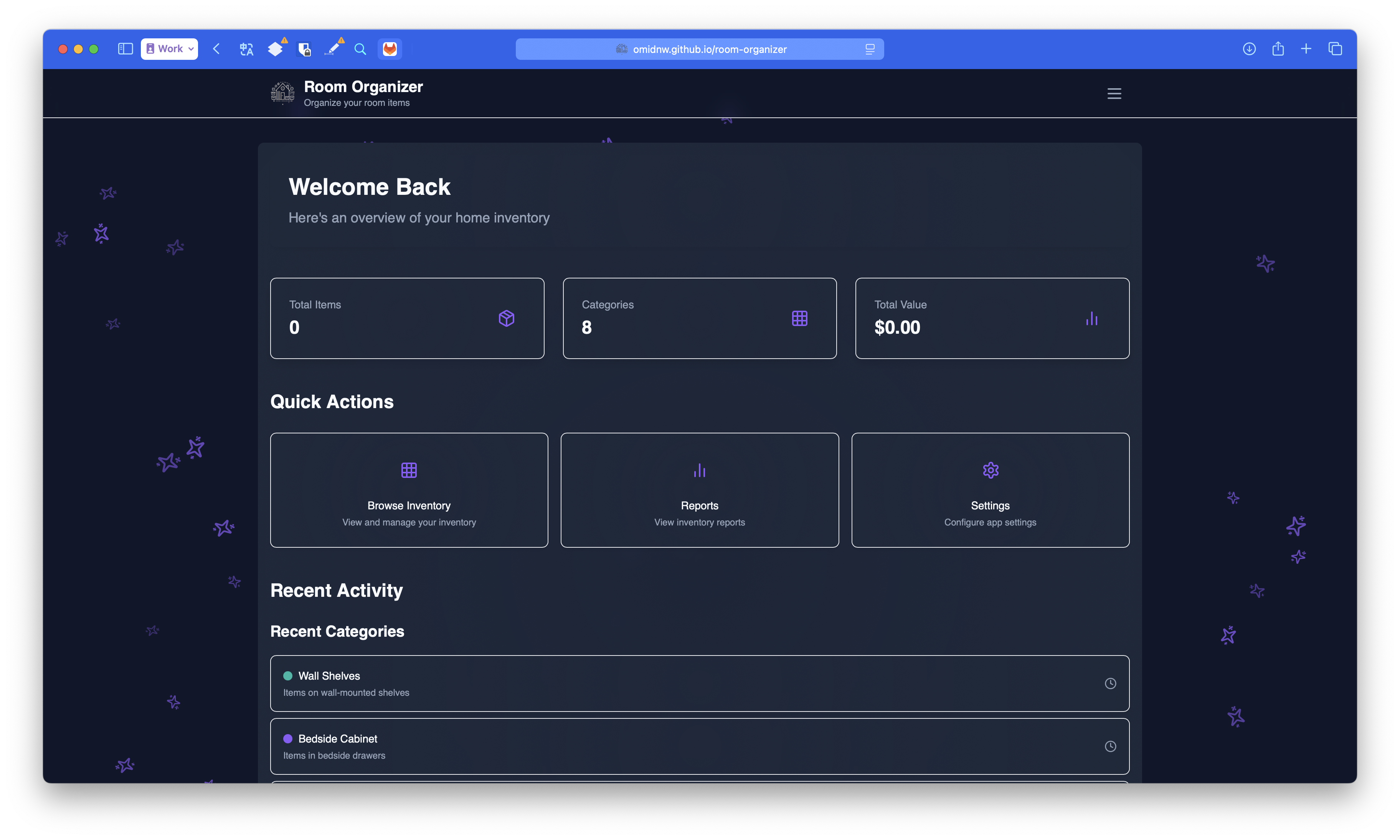
Welcome to Room Organizer, a vibrant and engaging web application designed to help you efficiently manage and organize your room inventory. Built with the latest technologies like React, TypeScript, and Vite, Room Organizer is your go-to solution for inventory management.
Features
- Inventory Management: Seamlessly add, edit, and organize your room items with comprehensive details such as name, category, quantity, and price.
- Category System: Effortlessly create nested categories and subcategories for optimal item organization.
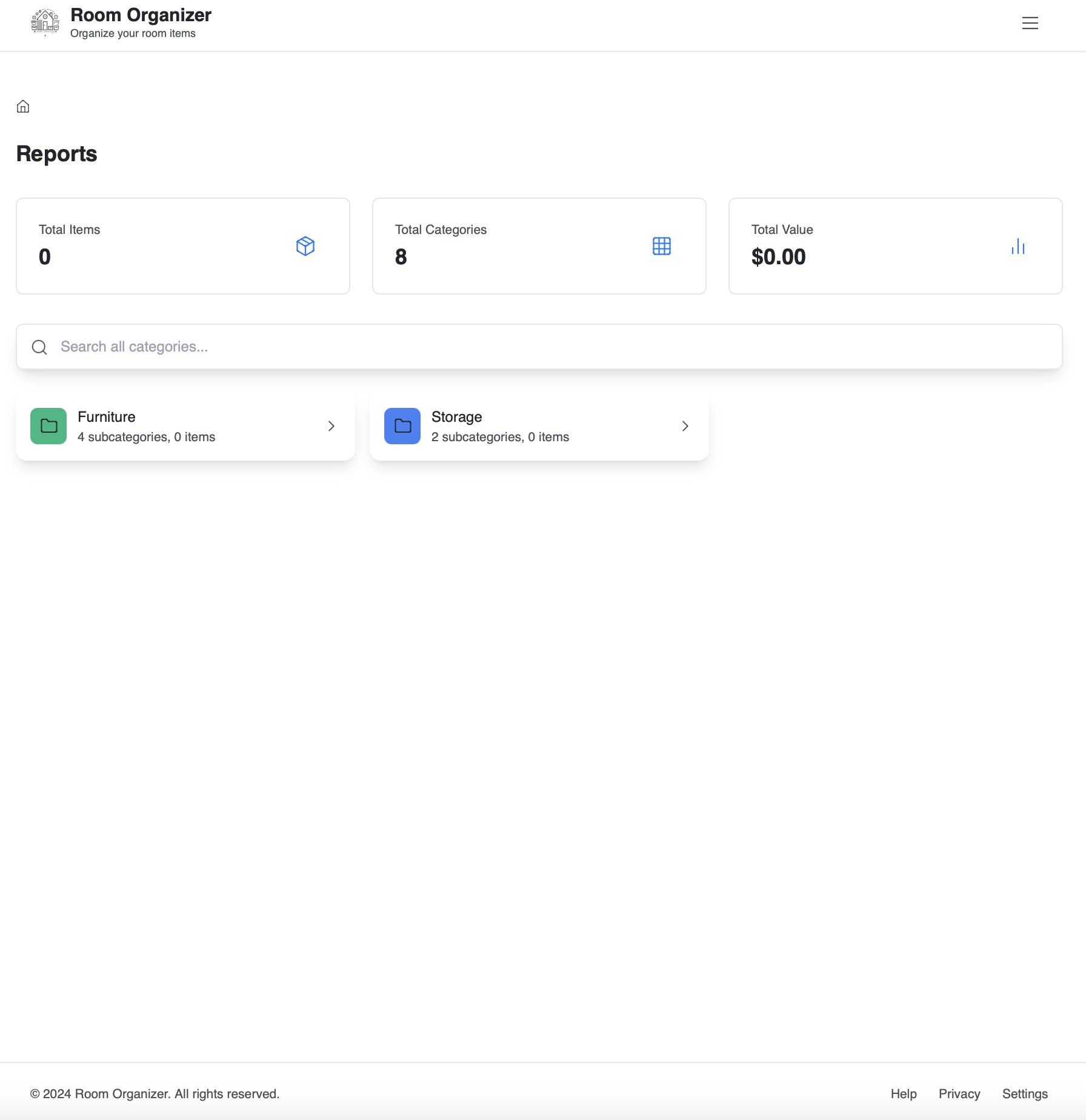
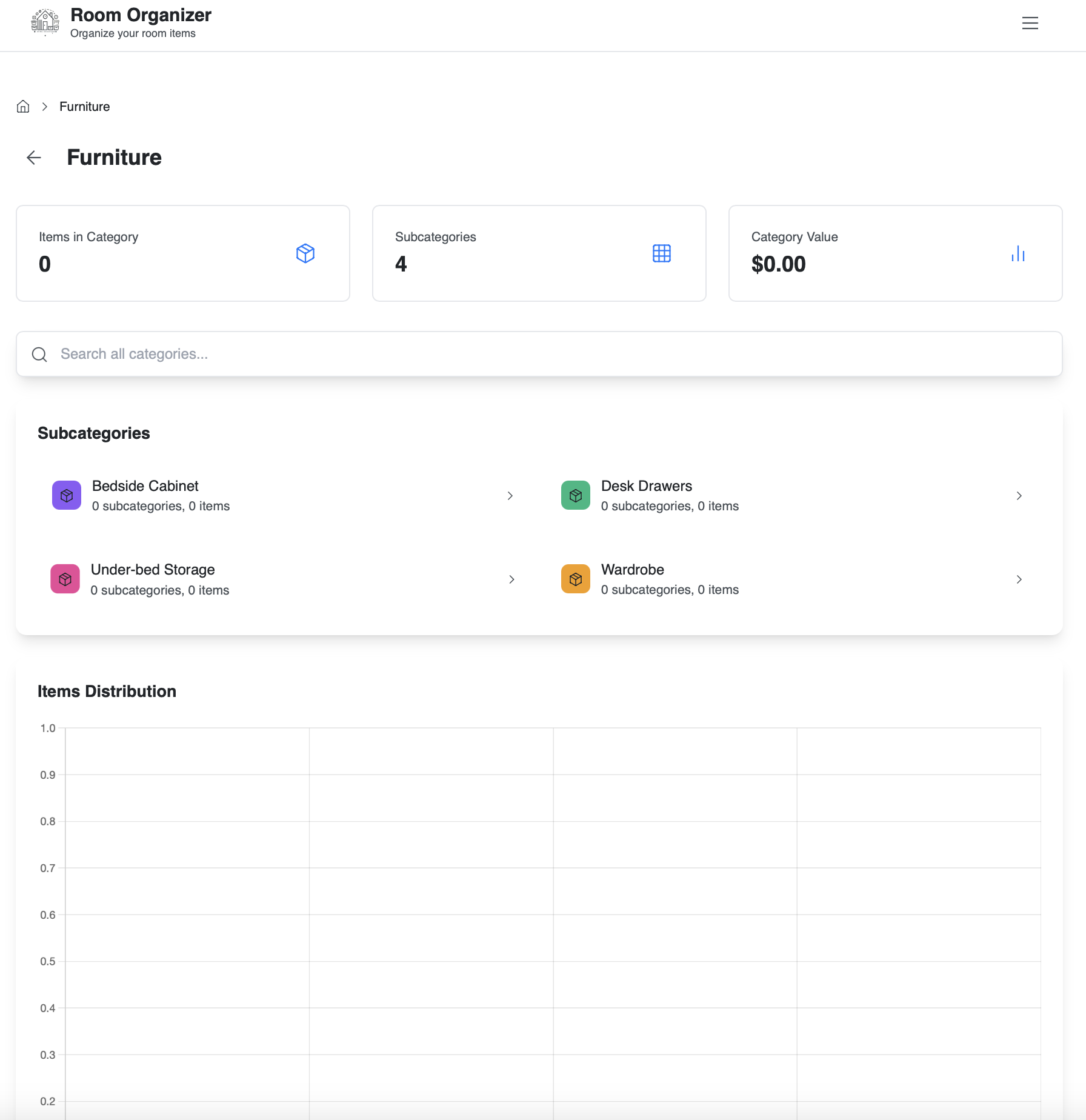
- Reports & Analytics: Gain insights with interactive charts showing category-wise distribution, total inventory value, and item counts.
- Search & Filter: Instantly locate items using the powerful search functionality and category filters.
- Responsive Design: Enjoy a seamless experience across desktop, tablet, and mobile devices.
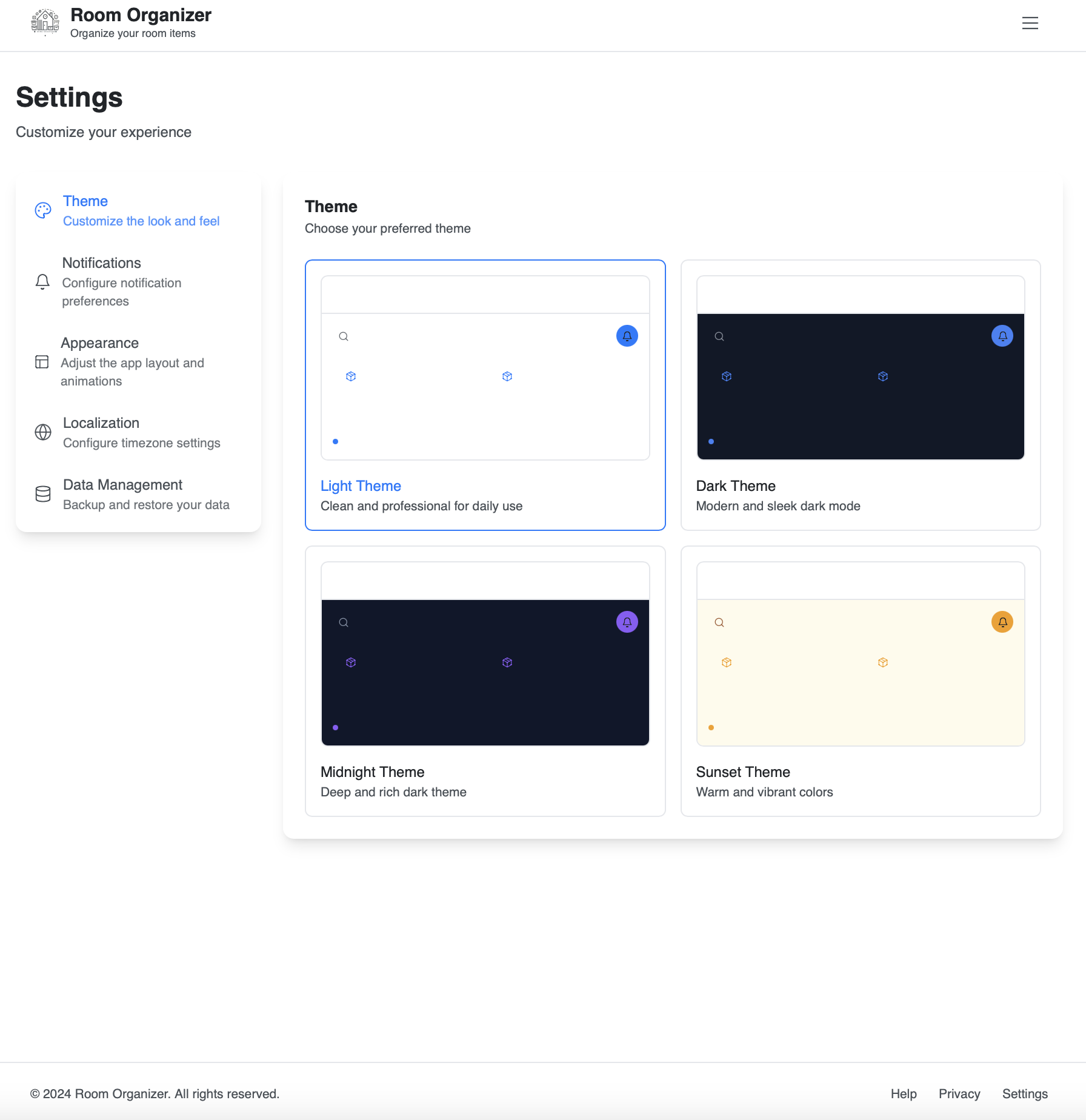
- Theme Customization: Personalize your experience with Light, Dark, Midnight, and Sunset themes.
- Data Management: Easily export and import data for backup and transfer between devices.
- Localization: Experience support for multiple languages and currency formats.
Deployment
The application is live on GitHub Pages at: Room Organizer
Manual Deployment
To manually deploy the application to GitHub Pages:
-
Build the application:
yarn build -
Deploy to GitHub Pages:
yarn deploy
Automatic Deployment
Room Organizer automatically deploys to GitHub Pages when changes are pushed to the main branch, thanks to GitHub Actions.
Tech Stack
- React 18 with TypeScript
- Vite for rapid development and building
- Framer Motion for smooth animations
- Chart.js for analytics visualization
- Tailwind CSS for styling
- IndexedDB for local data storage
- i18next for internationalization
- Workbox for PWA capabilities
Getting Started
-
Clone the repository:
git clone https://github.com/yourusername/room-organizer.git cd room-organizer -
Install dependencies using Yarn:
yarn -
Start the development server:
yarn dev -
Open your browser and navigate to
http://localhost:5173to explore the application.
Screenshots
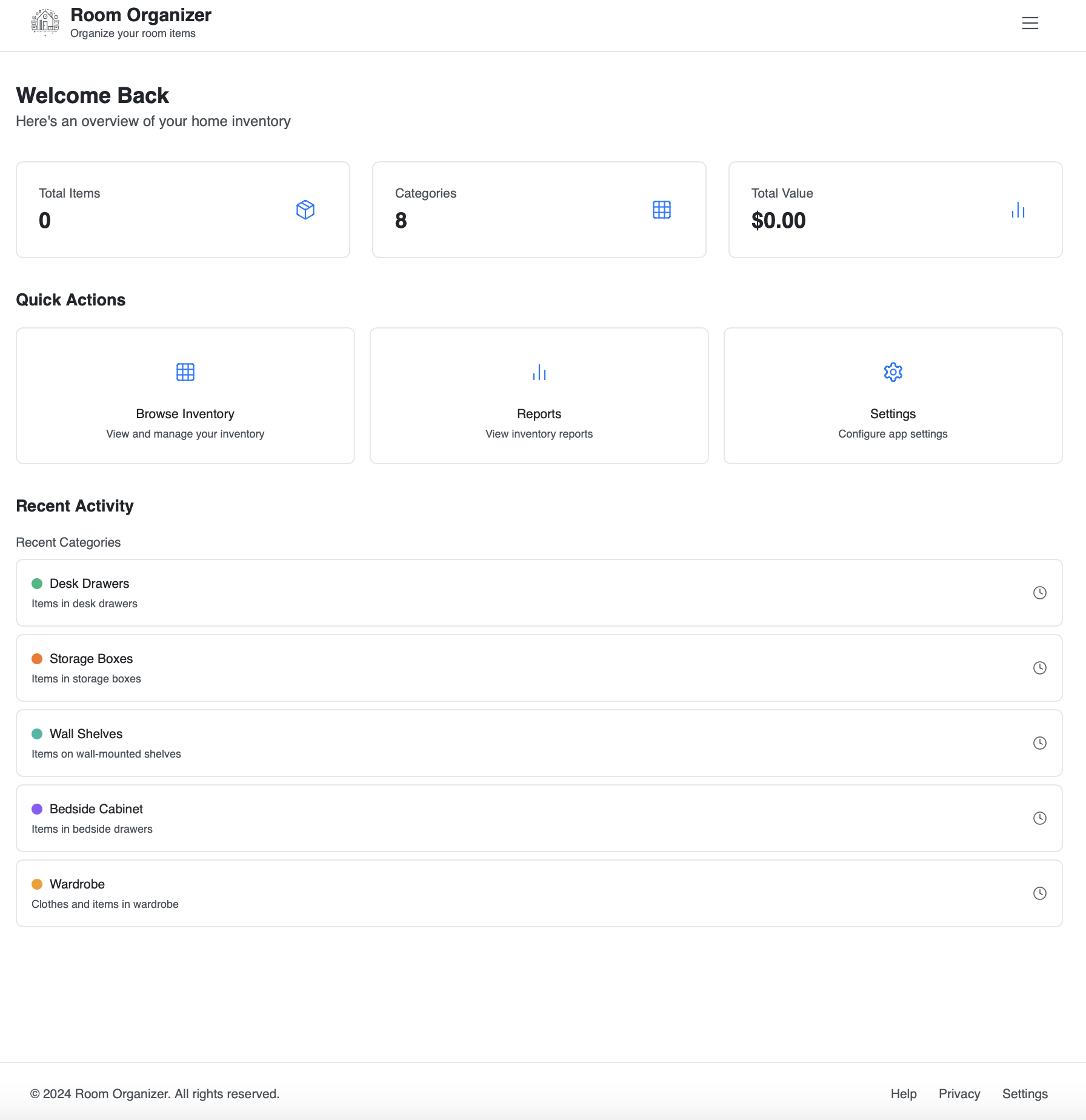
Home Page
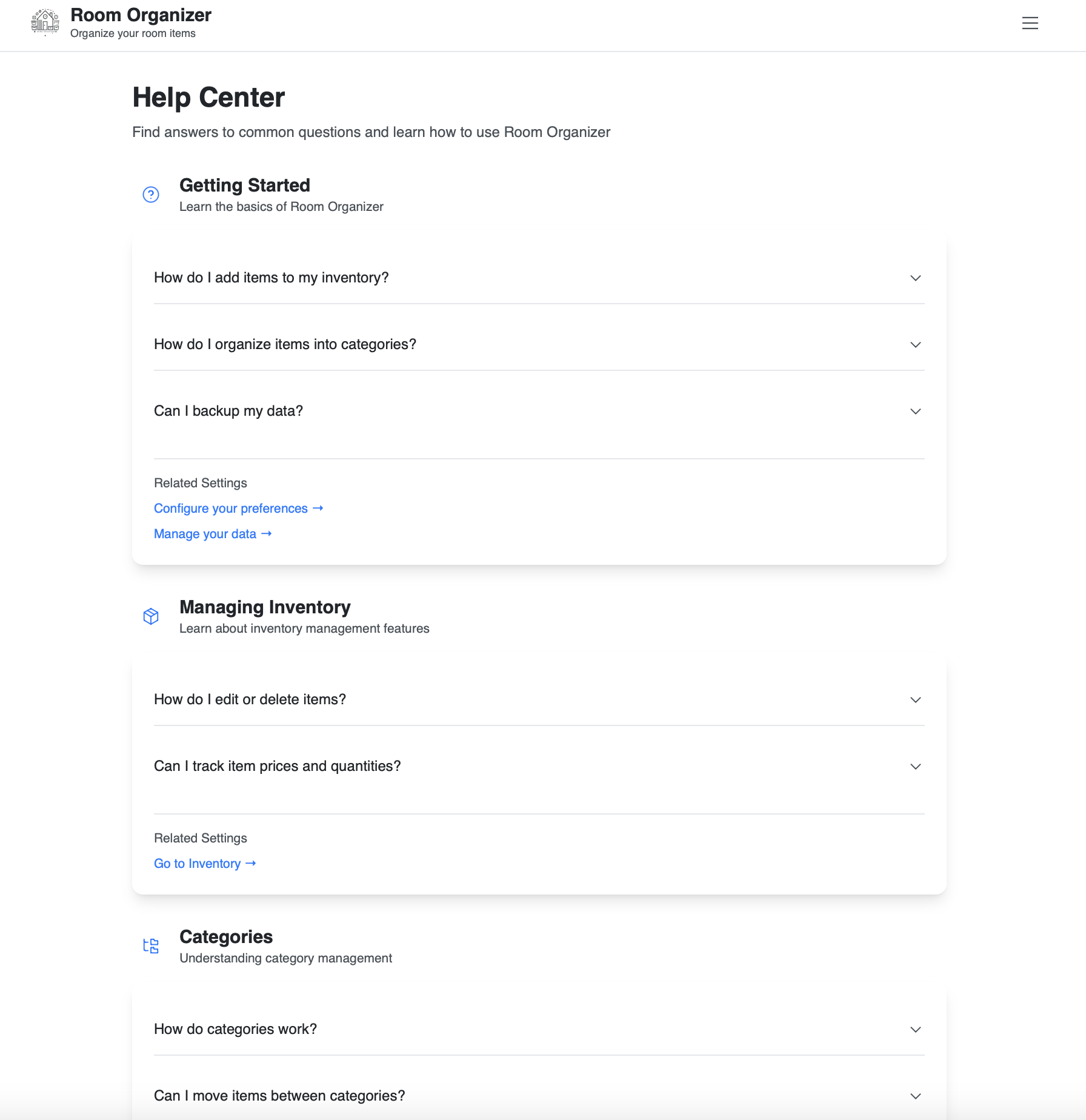
Help Center
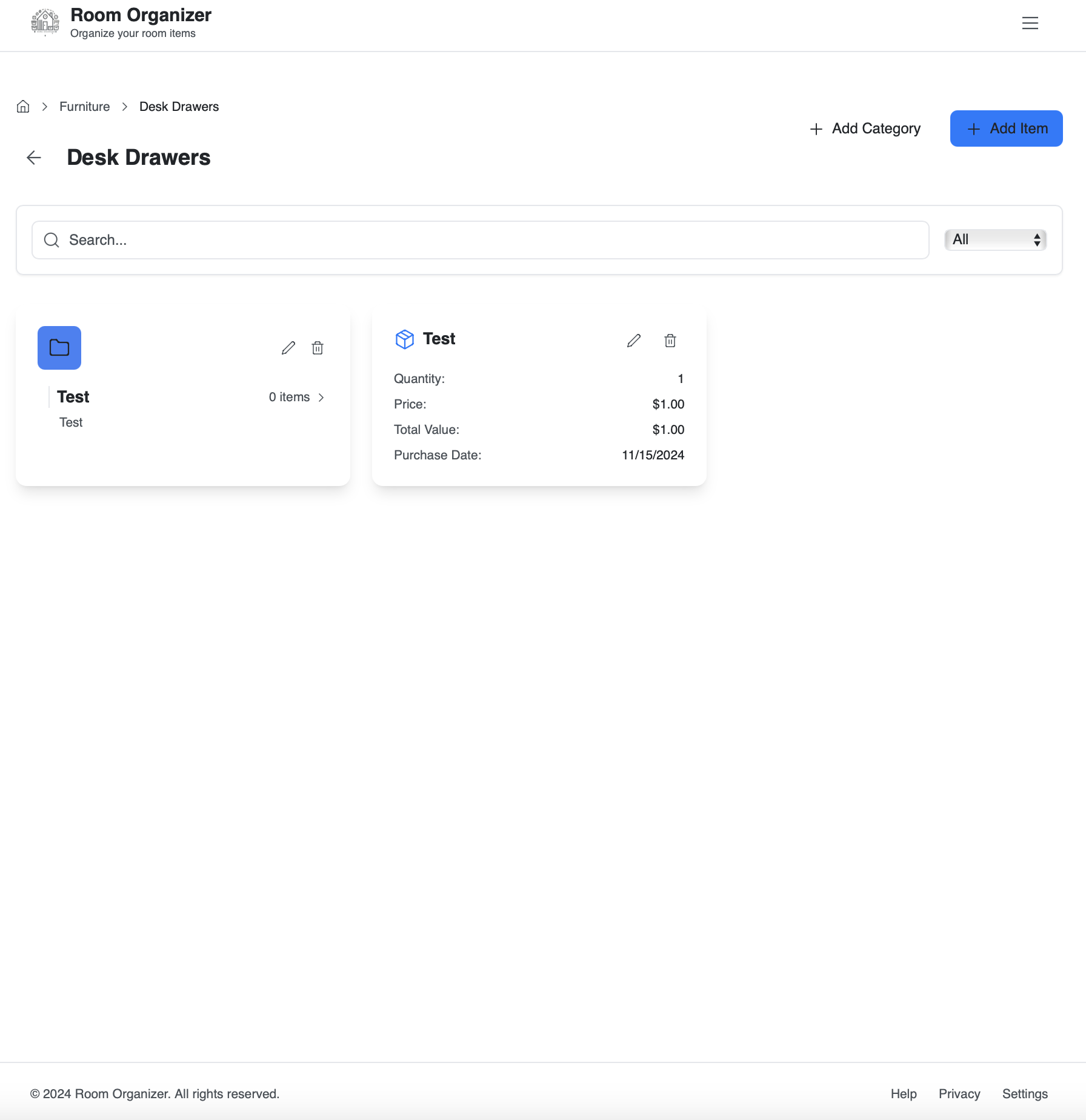
Item View
Reports
Reports with Details
Settings
Project Structure
src/
├── components/     # Reusable React components
├── contexts/       # React context providers
├── hooks/          # Custom React hooks
├── pages/          # Page-level components
├── services/       # Business logic and API services
├── styles/         # Global styles and themes
├── types/          # TypeScript type definitions
├── utils/          # Utility functions
└── assets/         # Static assets
Key Features in Detail
Inventory Management
- Add items with detailed information (name, category, quantity, price)
- Edit existing items with real-time updates
- Delete items with confirmation dialogs
- Bulk operations for efficiency
Category System
- Create hierarchical category structures
- Nested subcategories for detailed organization
- Category-based filtering and organization
- Visual category indicators
Analytics & Reports
- Interactive charts using Chart.js
- Category-wise distribution visualization
- Total inventory value calculations
- Item count statistics
- Export reports for external use
Theme System
- Light Theme: Clean and professional appearance
- Dark Theme: Easy on the eyes for extended use
- Midnight Theme: Deep blue cyberpunk aesthetic
- Sunset Theme: Warm orange and purple gradients
Data Management
- Export: Download your data as JSON for backup
- Import: Upload and restore data from backup files
- Local Storage: Uses IndexedDB for persistent local storage
- Data Validation: Ensures data integrity during import/export
Internationalization
- Multi-language support using i18next
- Currency format localization
- Date format adaptation
- RTL language support
PWA Features
- Offline Support: Work without internet connection
- Install Prompt: Add to home screen on mobile devices
- Background Sync: Sync data when connection is restored
- Push Notifications: Get notified about important updates
Contributing
Contributions are welcome! Please feel free to submit a Pull Request.
- Fork the project
- Create your feature branch (
git checkout -b feature/amazing-feature) - Commit your changes (
git commit -m 'Add some amazing feature') - Push to the branch (
git push origin feature/amazing-feature) - Open a Pull Request
Development Notes
- Created on: January 14, 2025
- Status: Complete
- Project Type: Web Application
- Deployment: Ready for production
License
This project is licensed under the MIT License - see the LICENSE file for details.
Acknowledgments
- Built with Vite for fast development experience
- Animations powered by Framer Motion
- Charts and analytics by Chart.js
- Internationalization by i18next
- PWA capabilities by Workbox